Databricks
What is Databricks?
Databricks is a platform that users can use to perform complex queries on their datasets.
In Databricks, users will be given an interactive workspace that exposes Python and SQL interfaces.
How can I access Databricks?
To access Databricks, you would first need to specify the following in your Data Request:
- Recurring Data Request
- Databricks usage checkbox ticked
After your Data Request has been fulfilled, you and your team members can go to the requests page and navigate to the respective fulfilled Data Request. In the Data Request, there will be a Databricks icon which you can click to access Databricks.
Where can I access Databricks from?
DataHive Databricks is only accessible from the following networks:
- GSIB VPN
- COMET
- GOMAX
- SEED
Do I need Databricks?
Databricks requires scripting experience in any of the supported languages (i.e. Python and SQL). If your data request requirement is recurring and you would like to self manage how your output data looks like, databricks would be suitable for your use.
How do I resolve the error of "JDBC driver encountered communication error. Message: Exception encountered for HTTP request: govtech-datahive.privatelink.snowflakecomputing.com"?
Users may default to using "Serverless" cluster. Usage of this cluster will result in this error.
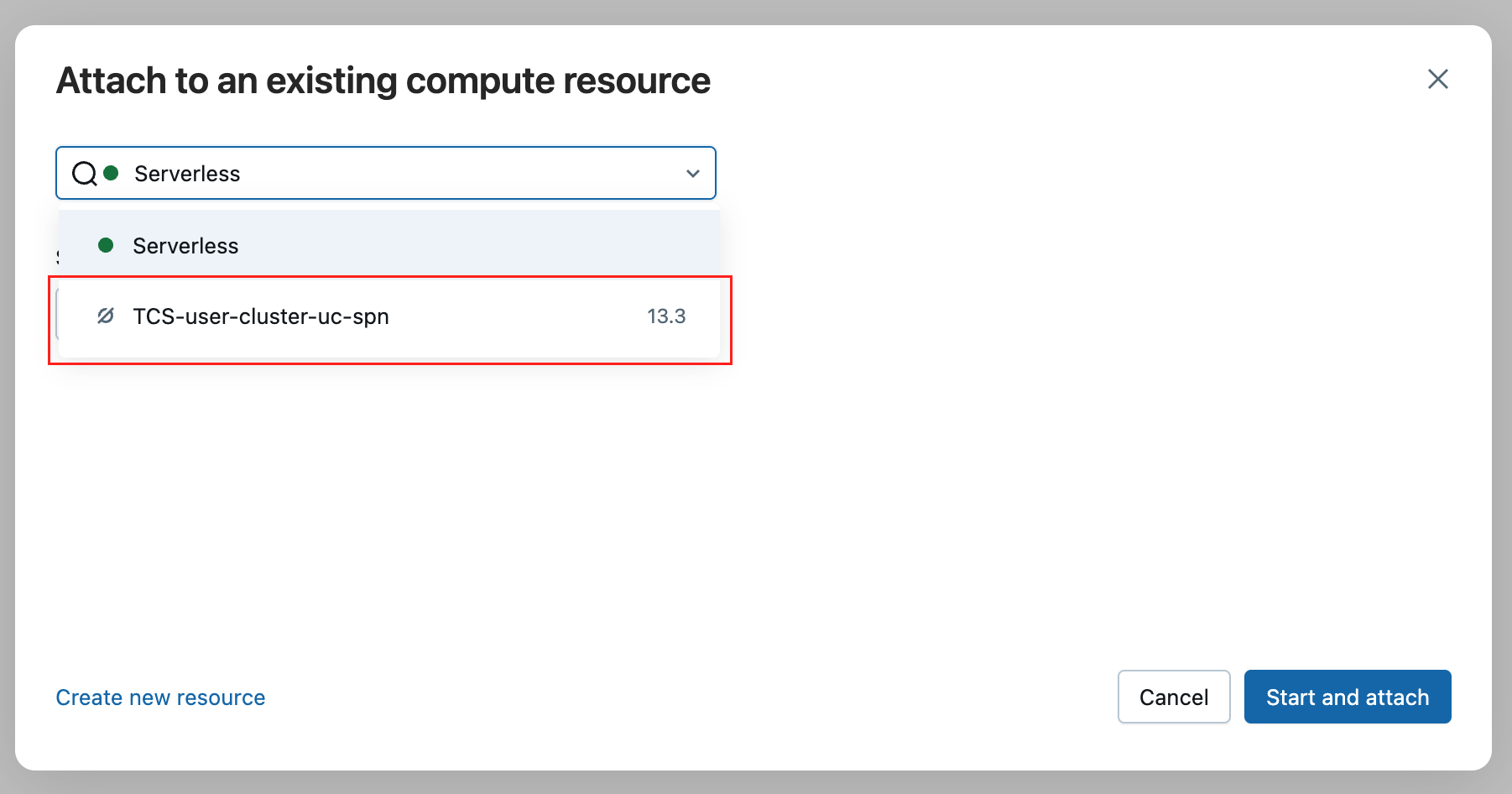
Please ensure you have selected the "TCS-user-cluster-uc-spn" cluster instead.
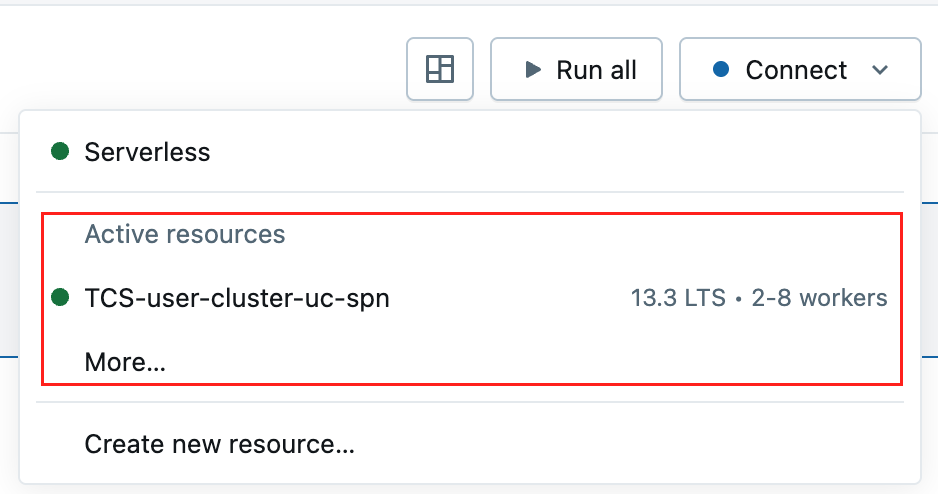
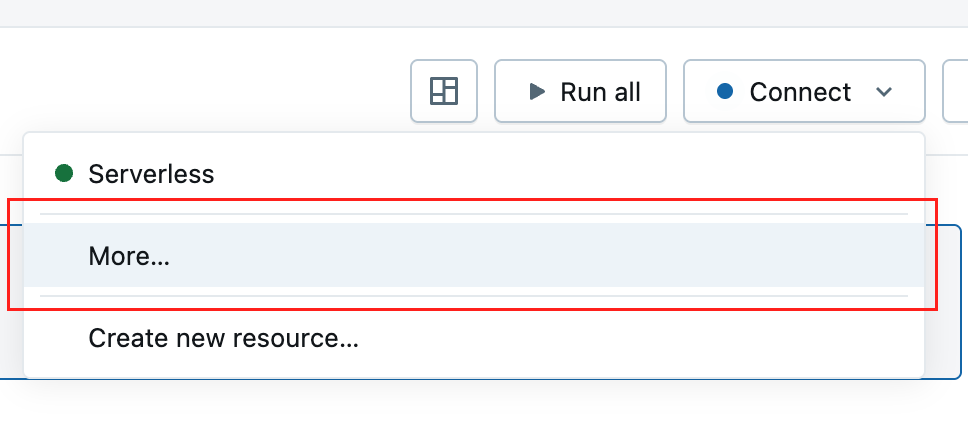
The "TCS-user-cluster-uc-spn" cluster cannot be found in the cluster selection.
Click on the cluster option on the top right, and select "More".
A popup will appear where you can select the "TCS-user-cluster-uc-spn".