DataHive User and SSOT
DataHive Users and SSOTs can effectively navigate the DSD using the provided filters.
The following examples illustrate the usage of Filters.
Let's run through an example use case.
You are a subscriber of dataset 'Bus Location', and have requested for the data from 1 July 2024 to 27 July 2024.
Dataset / Agency Selection
To see all data issues that exists for your dataset of interest, simply select 'Bus Location' in the Dataset filter.
Alternatively, you can choose an agency of interest, for example: LTA.
Here is an example illustrating the application of both filters.

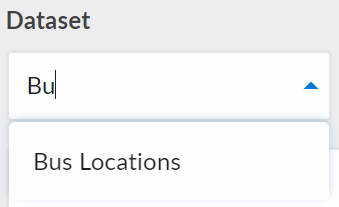
The filters are Autocomplete fields, so you can type into the filter field to search for the particular value you are looking for, instead of having to scroll through the entire list
As seen in the example below: typing 'Bu' will trim the available options down to 'Bus Locations'.
Affected Data Date Range
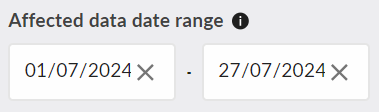
To identify the issues which may affect you, you can use the Affected Data Date Range filter as such:
Latest Status
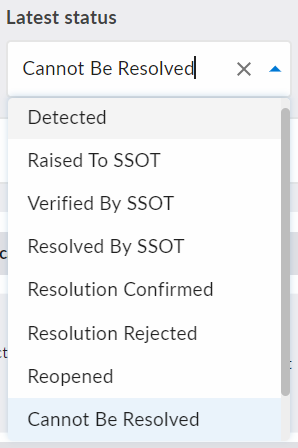
If you are only interested in the outstanding data issues that could not be resolved, you can use the Latest Status filter as such:
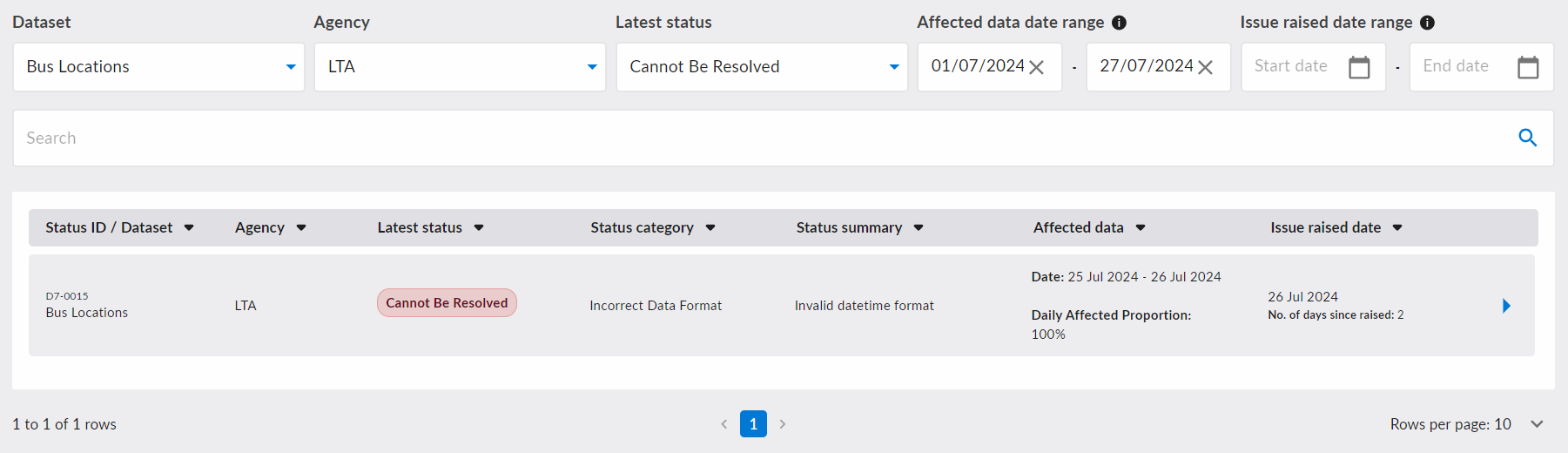
After applying all the above filters, here is an example of the result, showing all the data issues that matches your needs.
Free Text Search
You can also use free text search to filter for data issues based on keywords. As seen in the example below, the appropriate matching values will be highlighted in the table.
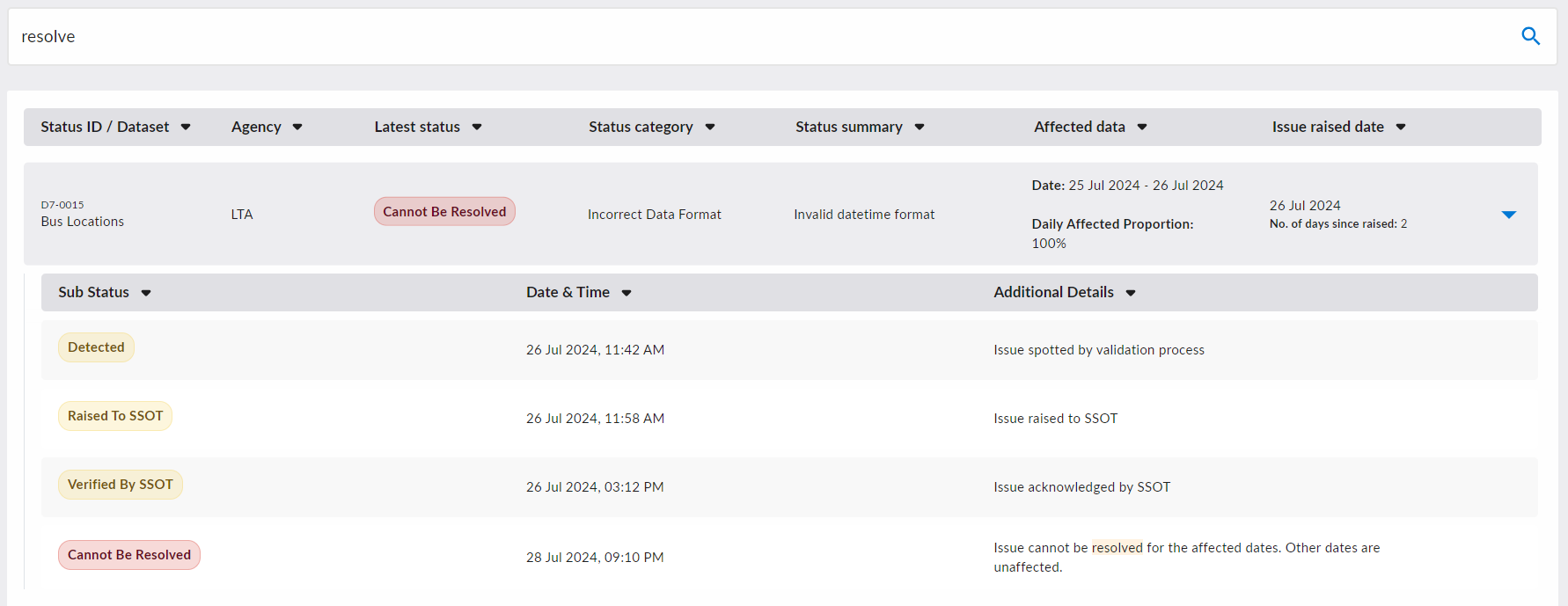
Do note that the search term works for partial matches as well, i.e. 'res' would match 'resolved' as well.
Affected Data
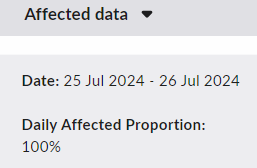
For each data issue, you can find information concerning the Date(s) for which the dataset is affected.
You can also find Daily Affected Proportion, which tells you the average percentage of the dataset that is affected across those dates.
Note that Daily Affected Proportion is an average and is mainly documented for data quality metrics. For detailed breakdown of how the dataset is affected across several dates, you can refer to additional details provided in the Sub Status updates.
Issue Raised Date Range
For SSOTs, you might be interested in the data issues for your dataset in a particular time period.
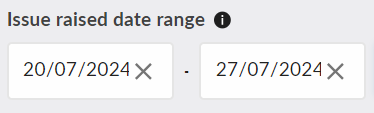
To find out the relevant data issues raised to you from 20 July 2024 to 27 July 2024, you can use the following Issued Raised Date Range filter: