Amend Data Request
Only the data request owner can make amendments to their data request.
Edit Data Request
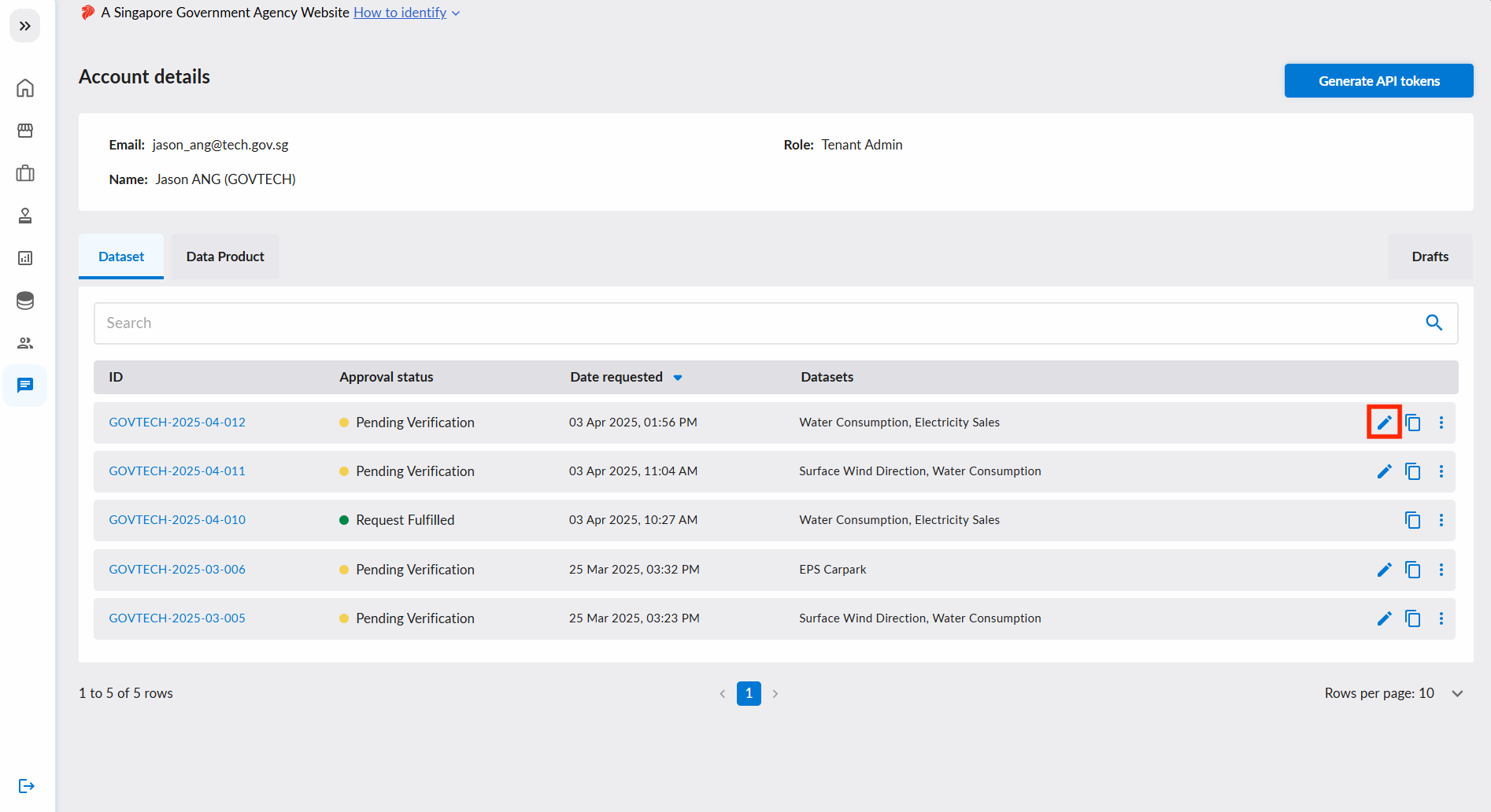
You can amend your data request when the request is at Pending Verification status.
Edit your data request by selecting the edit tool.
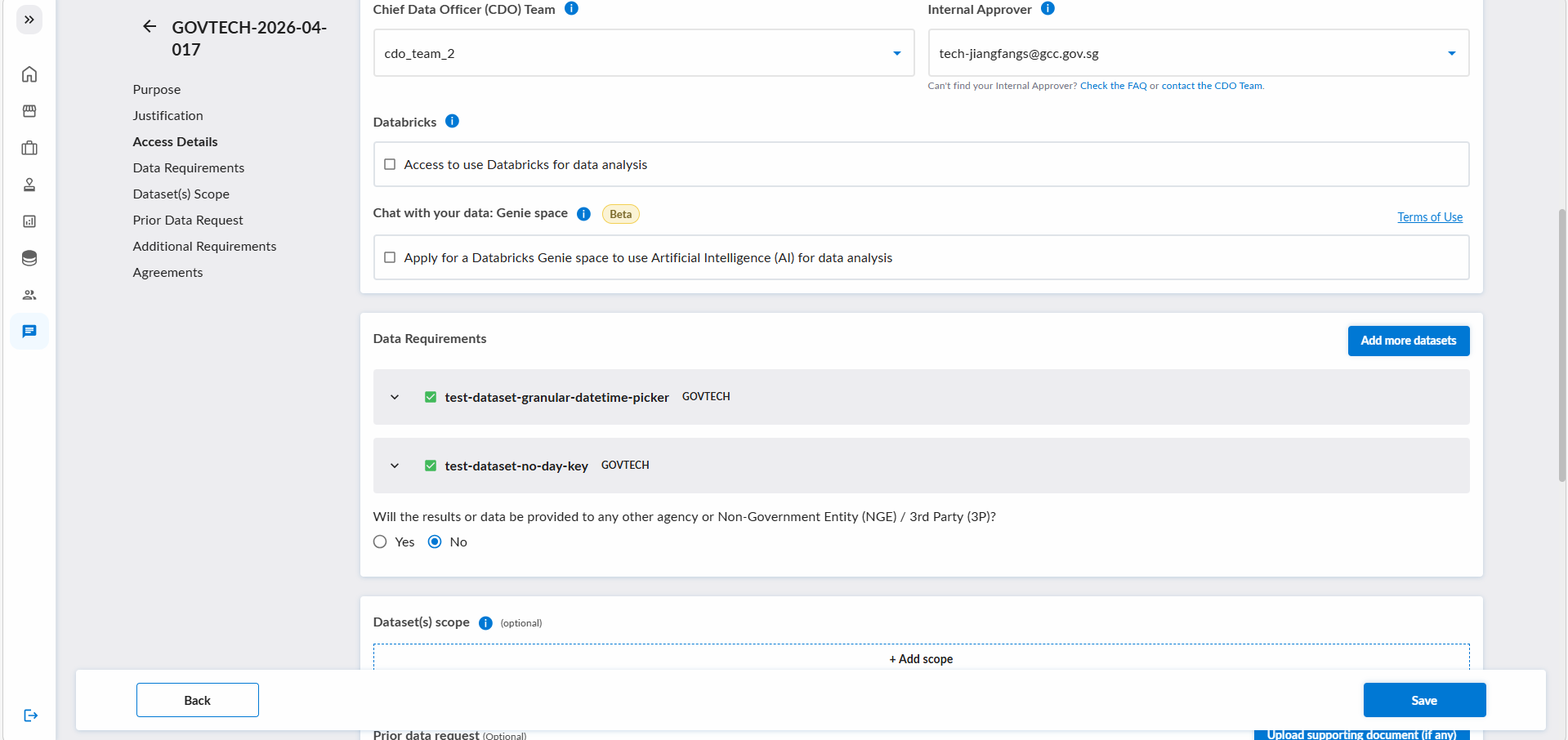
You can proceed to amend your data request accordingly to your needs and scope. Hit the Save button to save your changes.
Withdraw Data Request
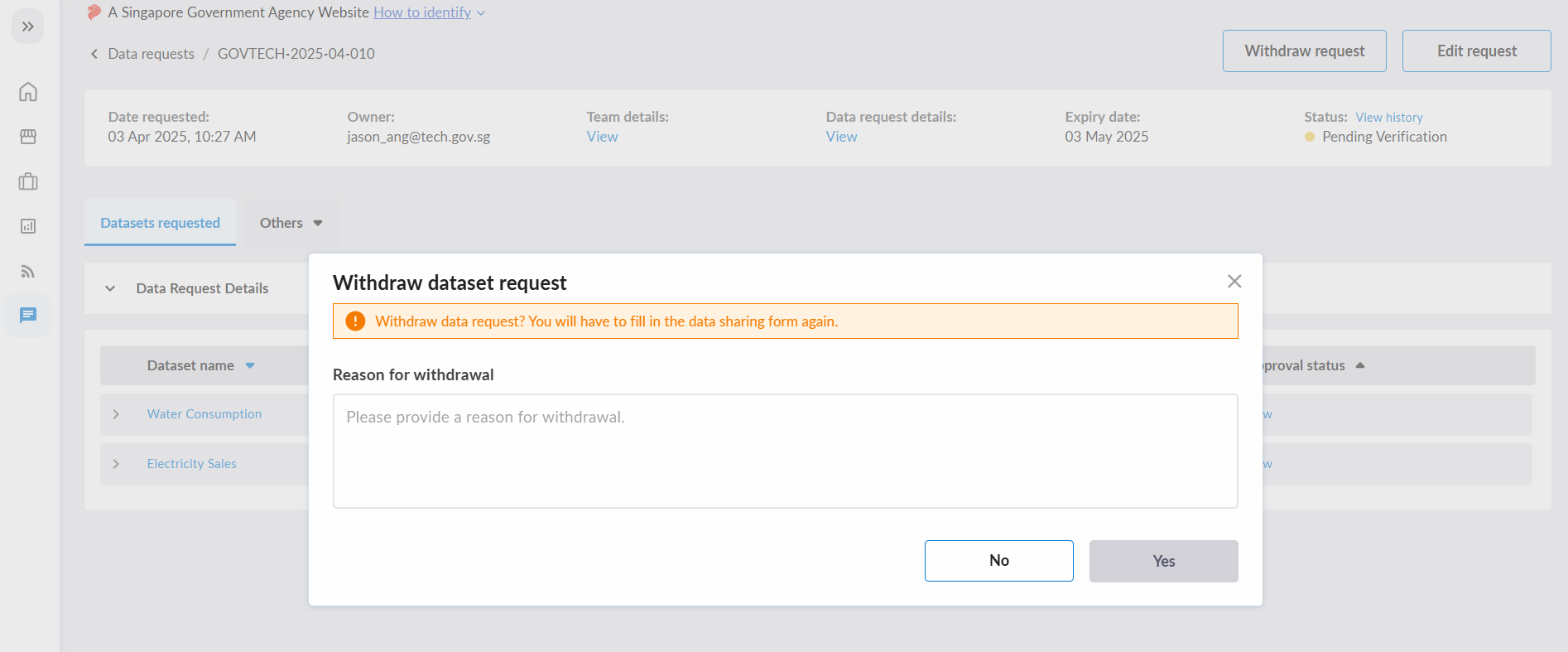
You will be able to withdraw your data request as long as your data request is not Rejected, Revoked, Request Withdrawn.
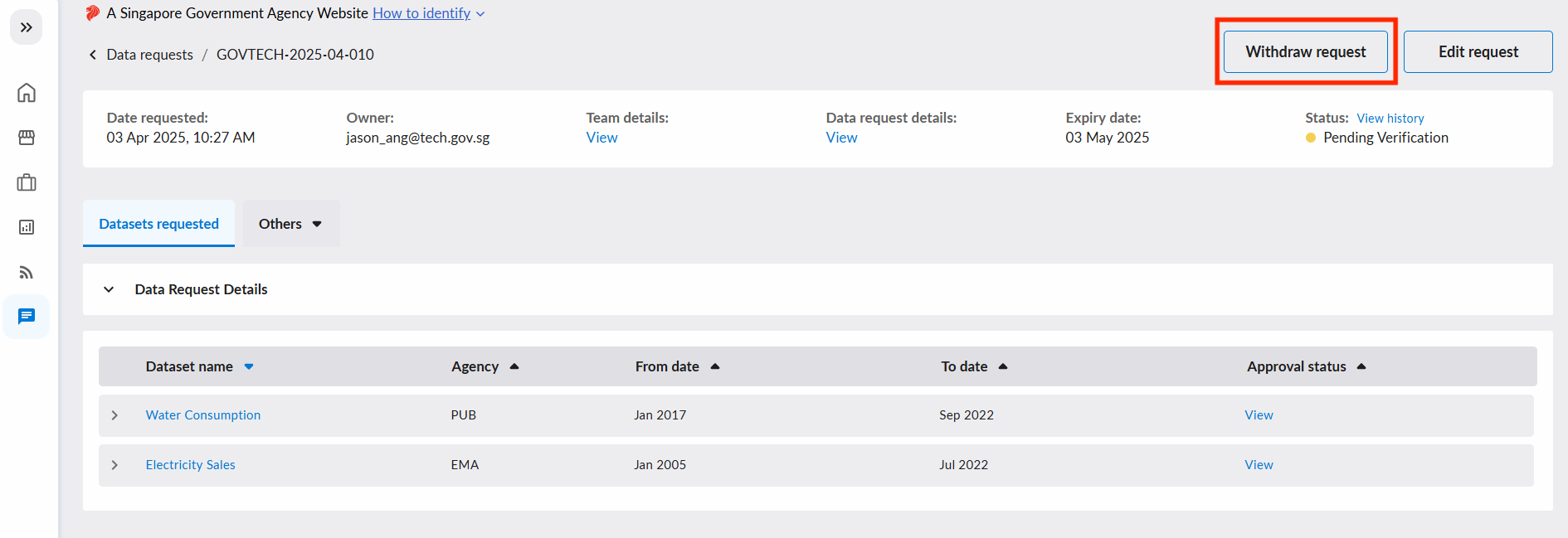
To withdraw your data request, select the Withdraw request button. You will be prompted to state the reason for withdrawal. Select the Yes button to confirm the withdrawal.
The data request status will be changed to Request Withdrawn.
Add, Remove Team Members, Change Request Owner
The management of team members is performed at the data request level.
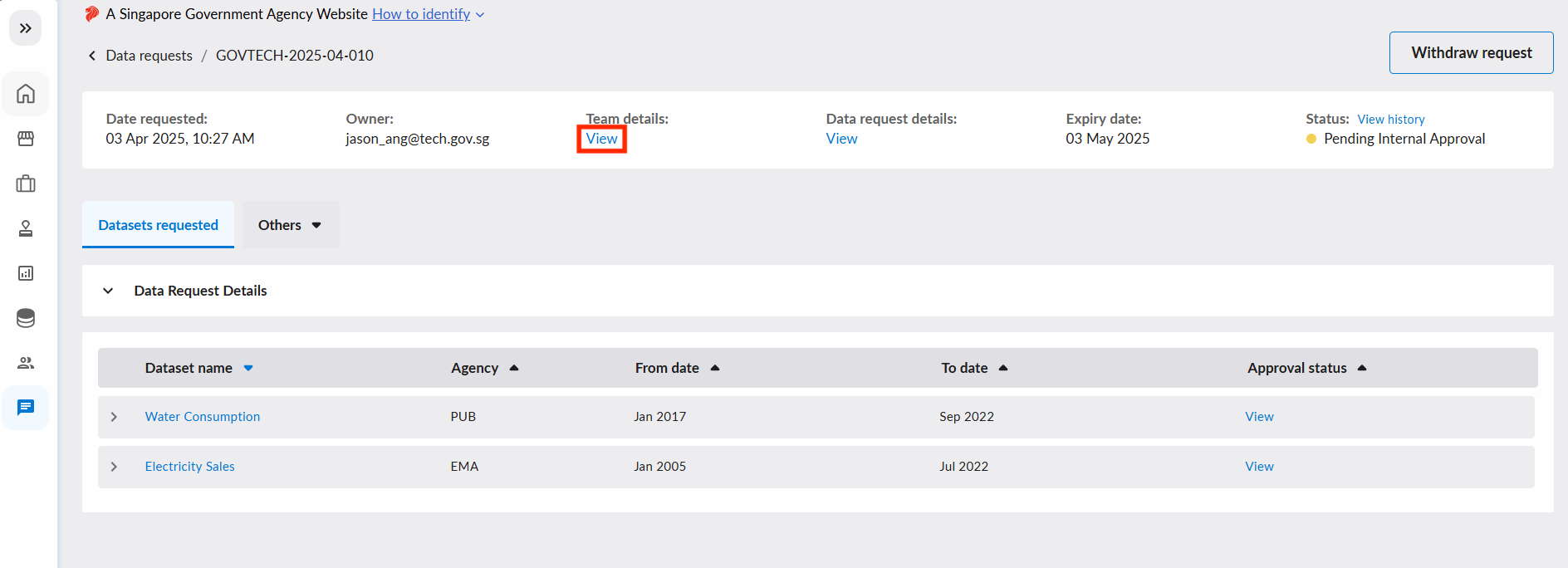
To access team management, you can navigate to Data Requests, select the specific data request, and select View team details.
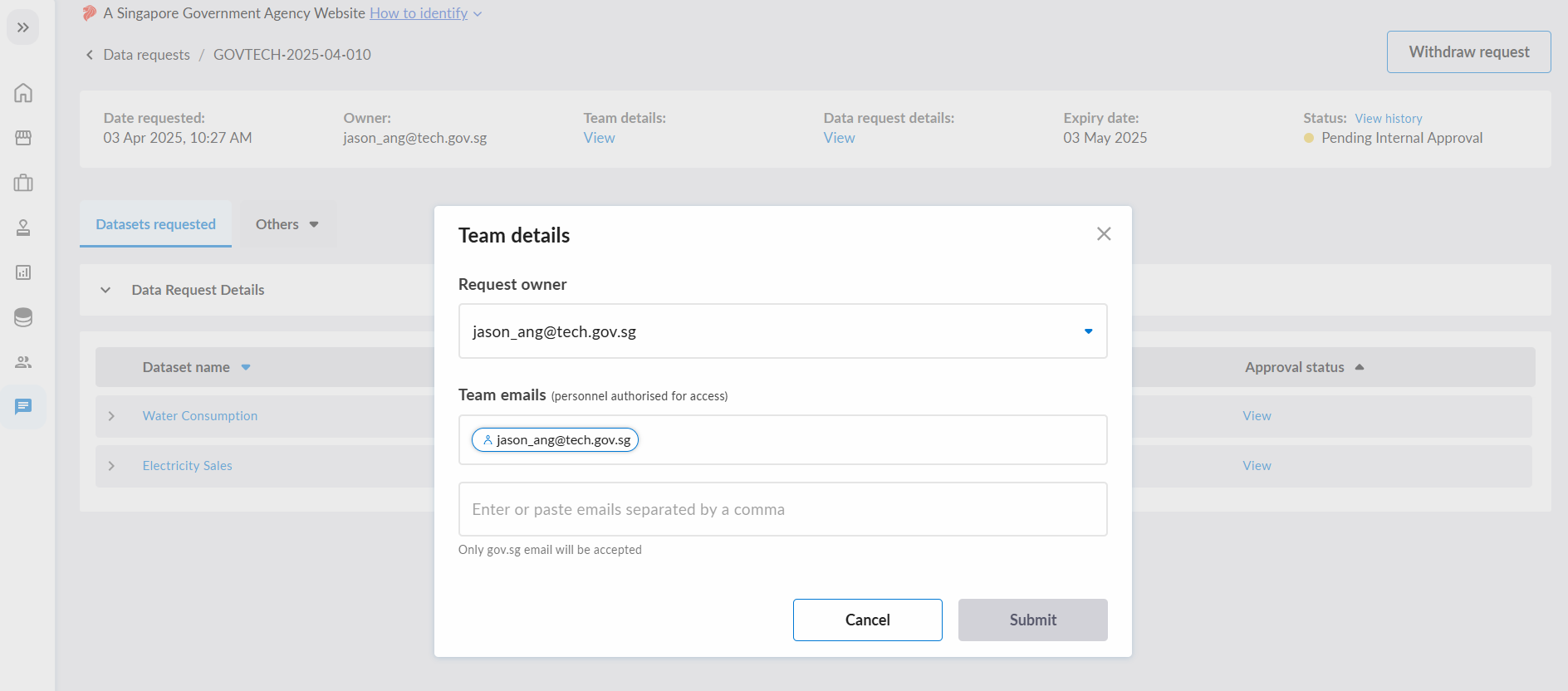
You could also add or remove your team members once you select View team details.
Hit the Submit button once you have made the necessary changes to the team.
Edit scope
If you need to changing the scope of your data request, you can do so after it has been fulfilled.
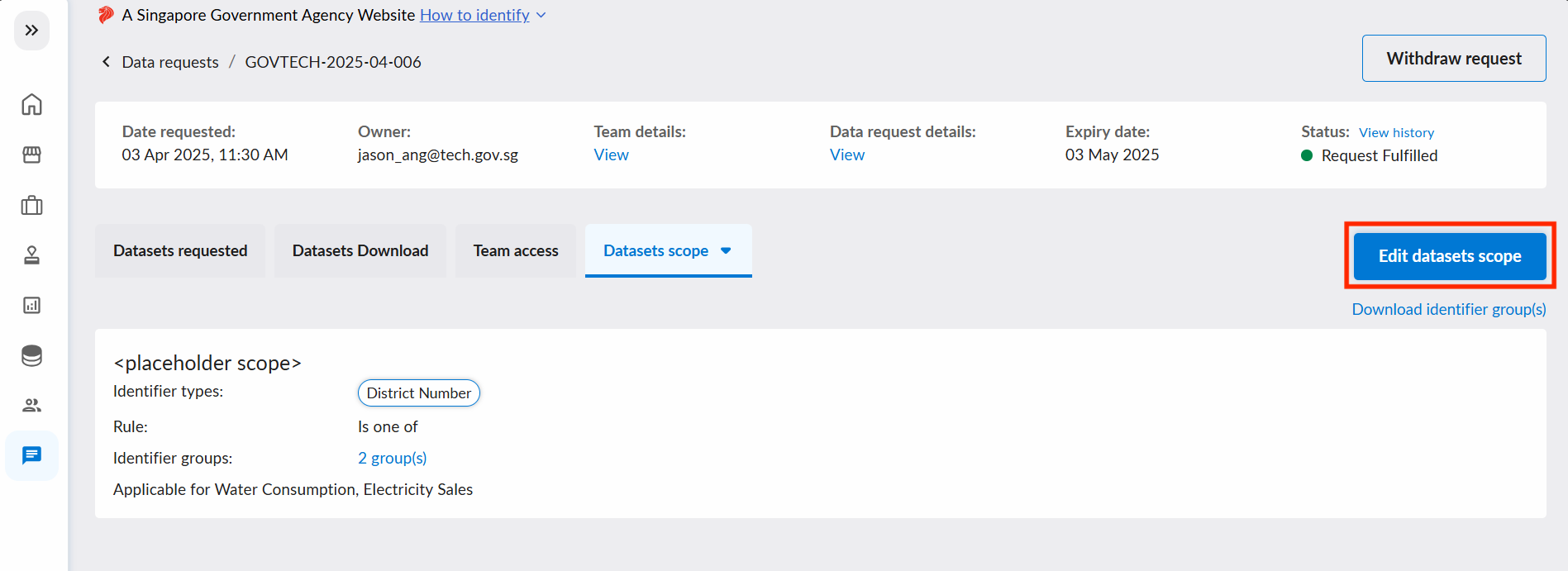
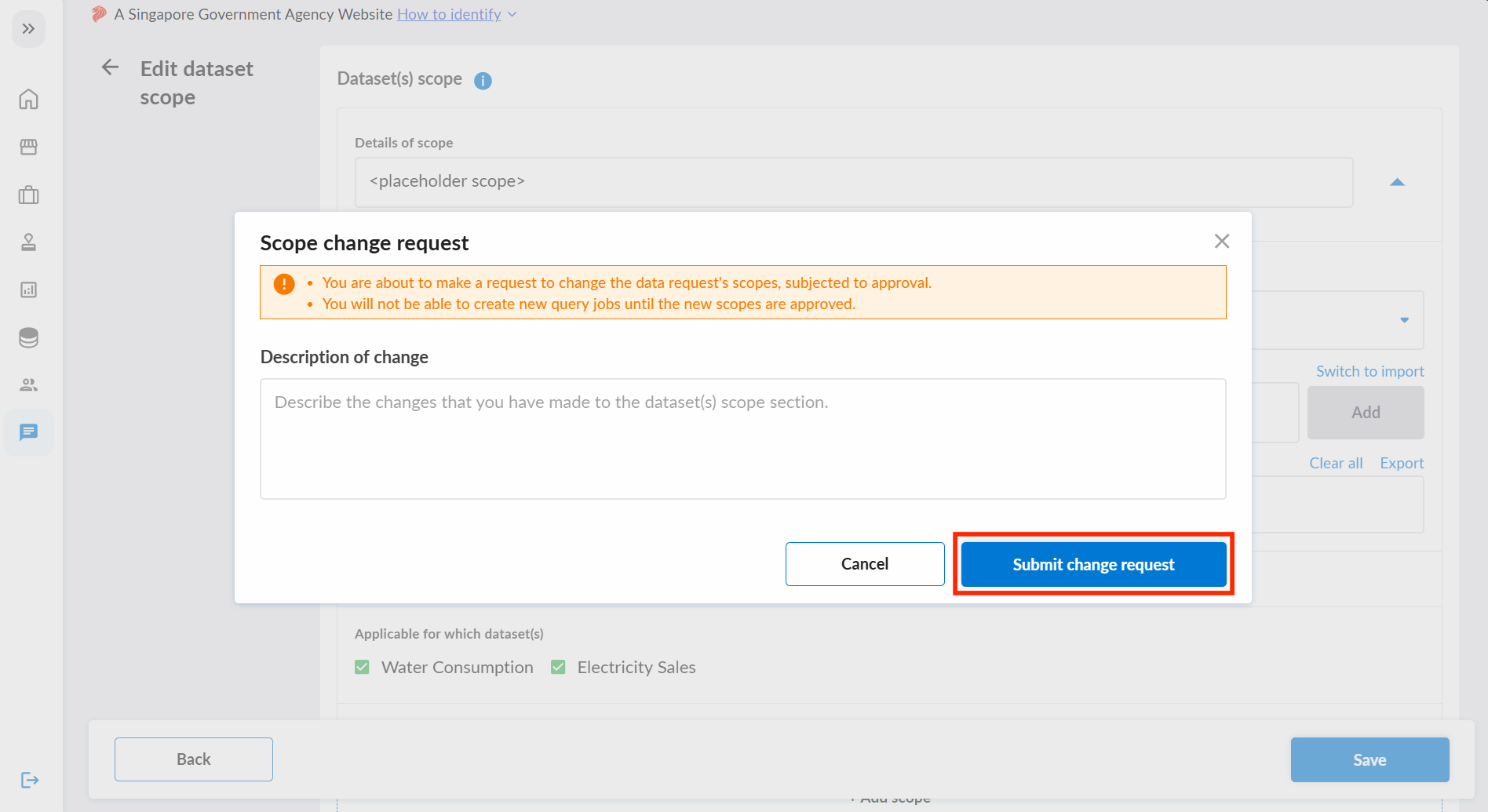
You will be redirected to form, edit the scope accordingly and click on "Save" once you are done.
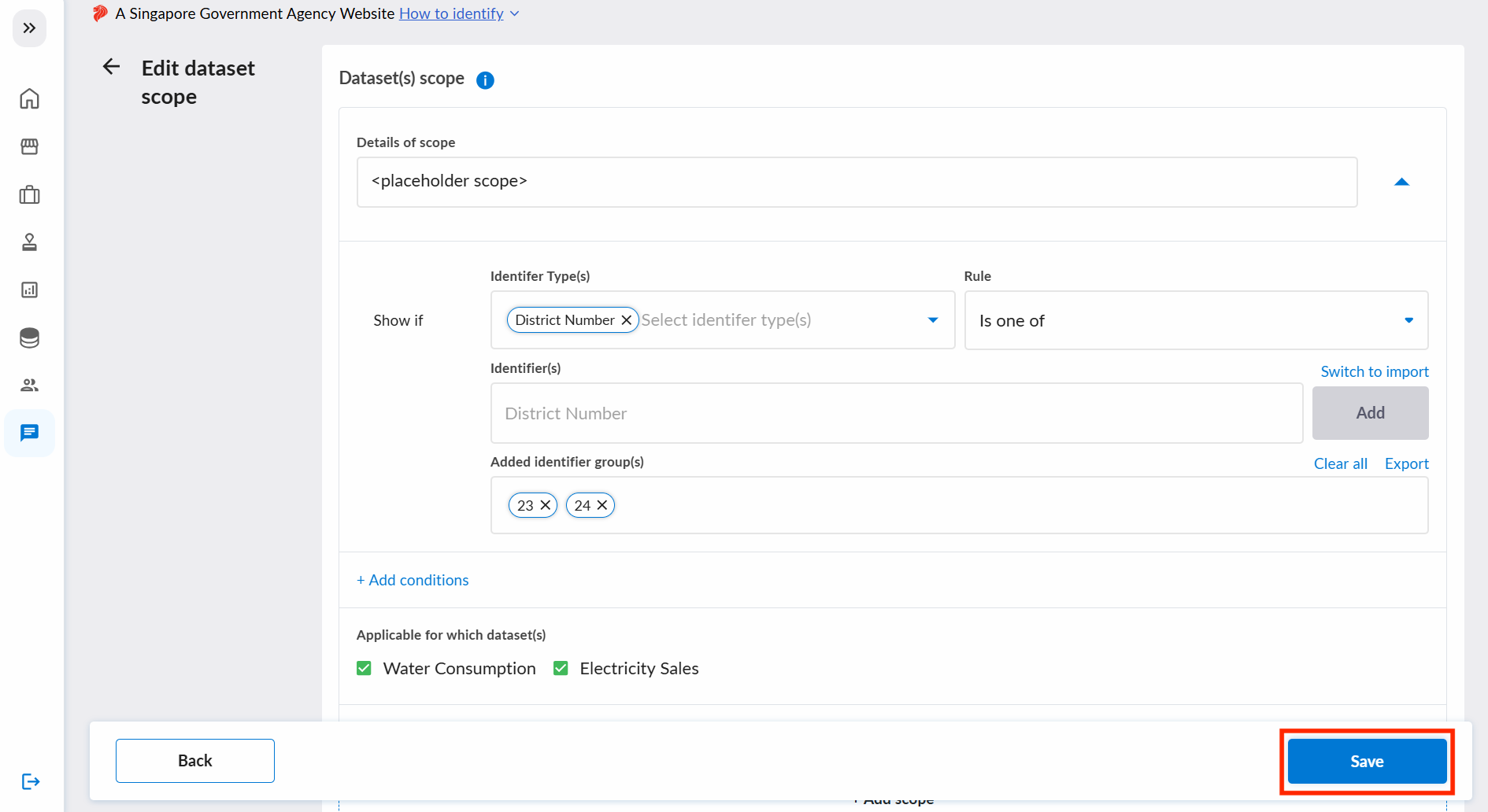
A pop-up will appear, and you will be required to write a description of the changes made. Once submitted, the change request will be sent to the Tenant Admins(s) of the datasets for approval.